
Make a tier list from your own images: drag them in, rank them, add a note under each, and save a picture.
A free editor that runs in your browser. For posts, newsletters, videos or settling an argument.
English · Español · Deutsch · Français · 日本語 · 简体中文 · Português
Download the app · Get started
Works with
 Chrome ·
  Firefox ·
  Safari ·

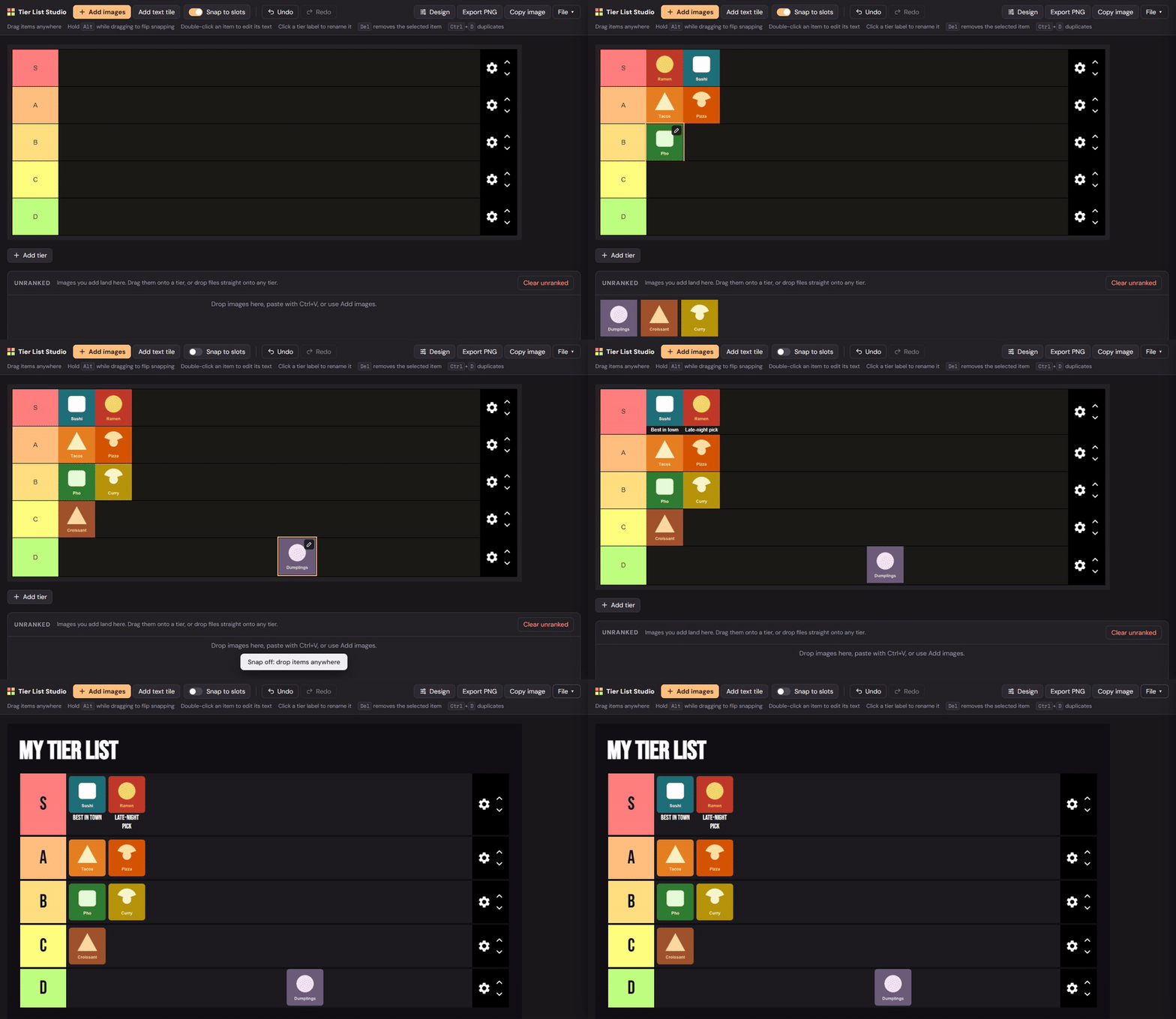
Drop your pictures onto the board and drag them into tiers. When it looks right, save it as a PNG or copy it straight into a post.
- Items snap neatly into place, or you can turn snapping off and put them anywhere.
- Write a short note under any picture, rename tiers and pick their colours.
- Change the whole look: fonts, colours, sizes, borders and rounded corners, with four ready-made styles.
- Open openrootdev.github.io/tierlist-studio. There is nothing to install.
- Or download tierlist-studio.zip, unzip it and open
index.html. - Drop your pictures in, drag them into tiers, then click Export PNG.
git clone --depth 1 https://github.com/OpenRootdev/tierlist-studio- A recent browser: Chrome, Edge, Firefox or Safari.
- An internet connection when you open it, for the fonts and the picture export.
- Your own pictures. They stay on your computer and are never uploaded.
index.html· The whole editor in one file.LICENSE· MIT licence: use it, change it, share it.
Preview media lives on the assets branch and translations on translations, so main holds only the app.
MIT licence · OpenRootdev